Case study snapshot
- Client type: a finance team that processes large volumes of PDF invoices
- Service: hybrid AI invoice extraction and validation
- Stack: Python, OpenAI Vision API, OCR, Excel
- Headline results: 10,000+ invoices processed, 96% extraction accuracy, 70% less manual verification time
The problem
The finance team needed to identify the company that issued each PDF invoice and check it against existing business records kept in Excel. Reading each PDF by hand was slow and open to human error. OCR alone struggles with invoices where the supplier name is a logo or the layout changes, and a vision model alone can be wrong without anyone noticing.
What we built
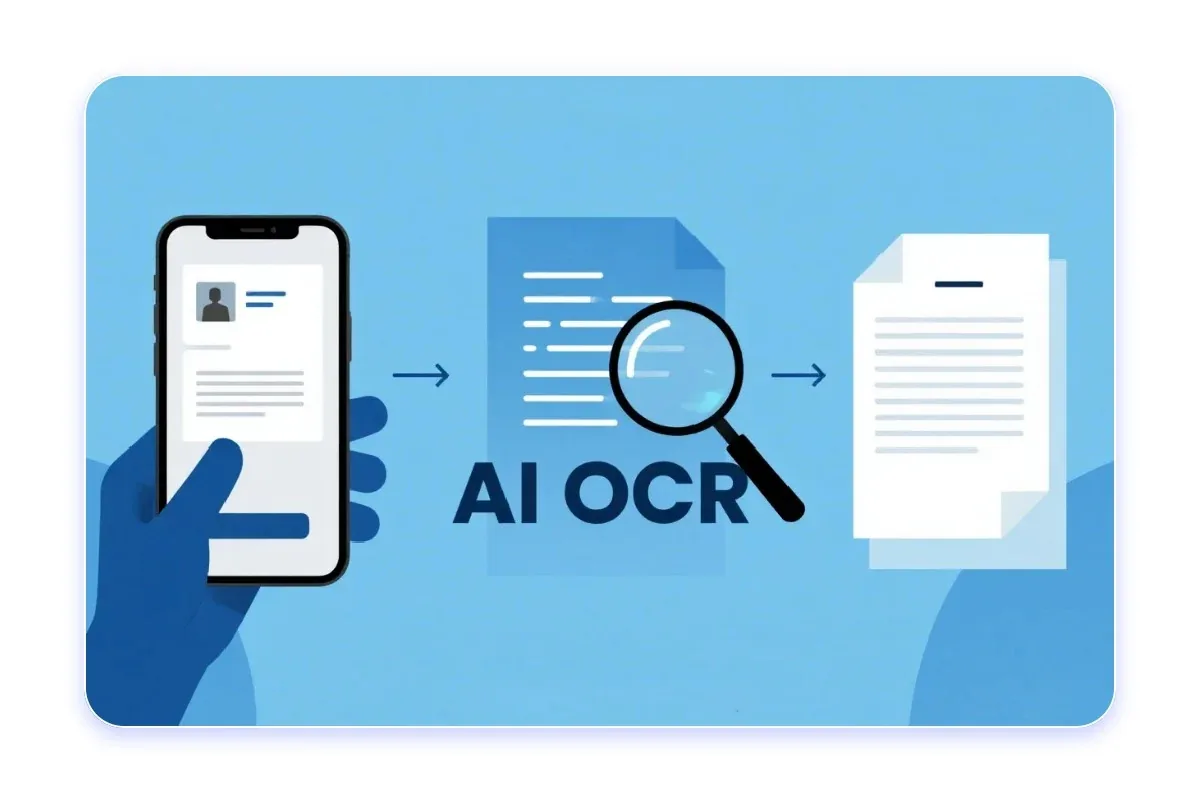
We built a hybrid extraction system in Python that combines OCR with the OpenAI Vision API, then checks the answer against the client's own rules:
- PDF invoice ingestion: new PDF invoices are collected automatically and added to a processing queue.
- Hybrid Vision and OCR extraction: OCR and OpenAI Vision work together to identify the company that issued each invoice.
- Rule-based validation and update: the extracted company name is checked against the client's Excel-based business rules. Records that pass are updated automatically and anything that does not match is flagged for review.
Why a hybrid approach
OCR is fast and cheap but cannot always tell what a piece of text represents. A vision model understands layout and context but costs more and can still make mistakes. Using both, then validating against the client's own records, covers both weaknesses. Validation is the step that makes the results trustworthy, and it means staff only review the exceptions.
Measured results
- 10,000+ PDF invoices processed with automated company name extraction
- 96% extraction accuracy using hybrid Vision and OCR validation
- 70% reduction in manual invoice verification time across finance operations
- 99% compliance with business standards through automated rule-based validation against Excel datasets
Read more
Our guide How to Extract Data From PDF Invoices: OCR vs GPT Vision vs Hybrid compares the three approaches and shows the full seven-step pipeline.